FAQ
Common questions.
Who is this for?
Anyone who bills clients by the hour or by the project and wants the time tracking and the invoicing in one simple app: consultants, designers, accountants, bookkeepers, engineers, therapists, coaches, freelancers, small agencies. If you have ever sent an invoice from a spreadsheet, this is the step up.
Where is my data stored?
On your device first, so it's instant and works with no signal. Once you sign in, it syncs privately to your own account in an encrypted cloud database, backed up and available on every device you use. Access is limited to your account; we don't sell your data, and nothing you type is ever sent to an advertising or analytics service. Full details are in our Privacy Policy.
How does the voice capture work?
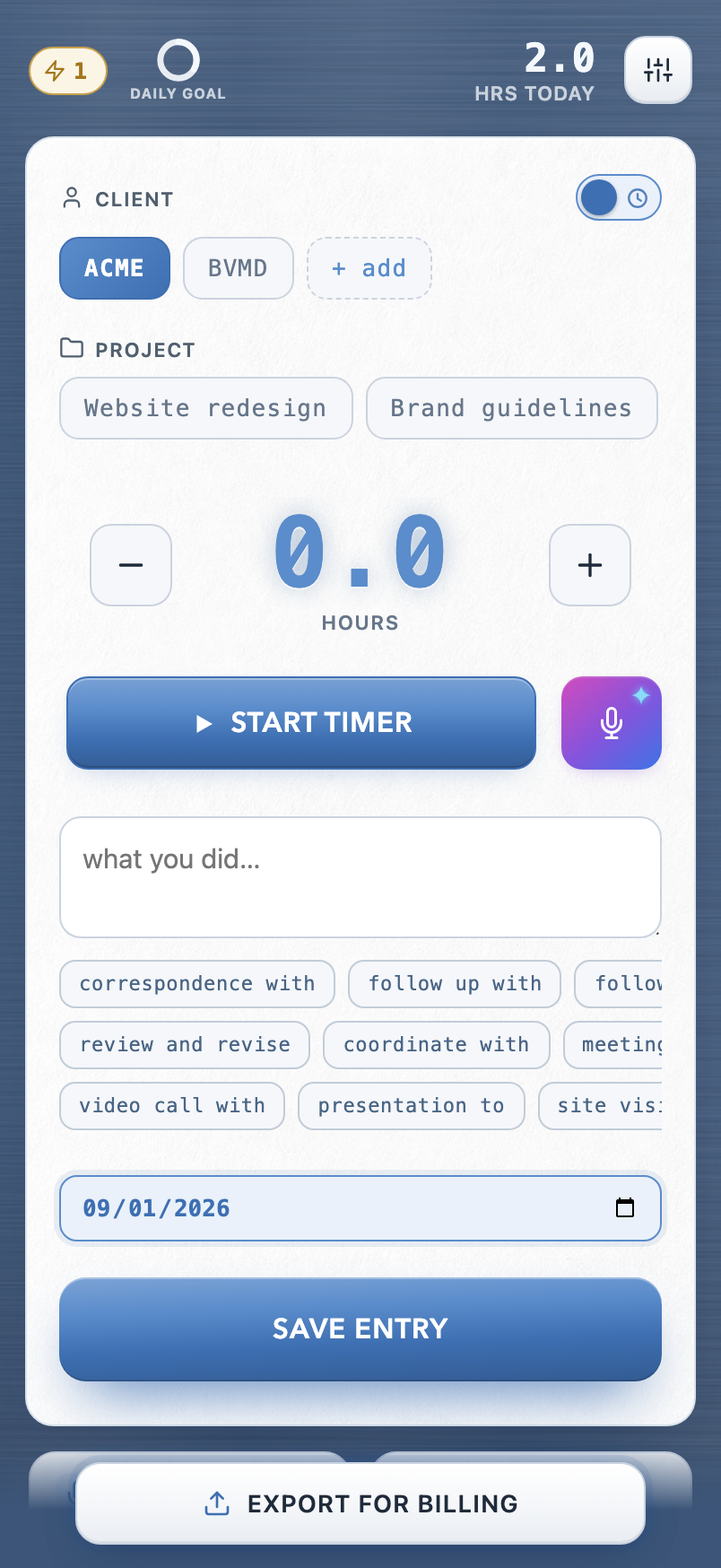
Tap the mic and speak naturally: "an hour and a half for Acme, meeting on the redesign scope." OnPoint reads out the client, hours, date, and description and shows them for you to confirm before anything is saved. Dictation runs through your phone's built-in speech recognition, the same one you use to text, so OnPoint receives only the finished text and never records or stores audio.
What does the AI see?
Three features use AI: Live Capture (turning dictated text into entries), Polish (rewriting a description), and the Assistant. Each request sends the text you dictated or typed, along with your client and project names so the AI can match them. It never receives audio, and never anything you didn't ask it to work on. The full list of what each feature sends is in the Privacy Policy.
Can I try it before paying anything?
Yes. Open onpointbills.com/app in your browser, create a free account, and start capturing. There's no card and no time limit: your first 7 saved entries and 10 AI actions are free, however long they take you. When you're ready to send a bill, the 7-day free trial unlocks exports and everything else. And if OnPoint isn't for you, your entries stay viewable and you can always download a backup of your own data.
Is there an app for my phone?
OnPoint Billing runs in your browser on any phone, tablet, or computer, and it installs like an app: open onpointbills.com/app in Safari (or Chrome on Android), tap Share, then "Add to Home Screen." You get an icon, a full-screen app, and it keeps working offline. One account works everywhere.
Does it replace my invoicing software?
It can feed it or replace it, your call. Copy a clean, formatted block into the system you already use, or skip the middleman: OnPoint numbers the invoices, builds the Word, PDF, or Excel files, prints your Pay online link, and tracks what's sent, paid, and overdue.
Can my clients pay me through OnPoint?
They pay you through your own payment page. Paste the link you already use (a Stripe or PayPal payment link, Square, your bank's portal) into Settings once, and every bill prints it as a clickable "Pay online" line. Your client pays you there directly: OnPoint never processes, holds, or even sees the money, and takes no cut. Leave the link blank and bills simply print without the line.
Can my team use it?
Yes. Everyone captures into a shared client list; a reviewer approves the time (up to three approvals per entry, if the team wants them); and the team issues one consolidated bill per client on its own letterhead, grouped by team member with each person's rate. On billing day it can issue every client's bill in one pass and email each one straight from the app, and it tracks payments, including partial ones. Team seats are $8.99 per billing seat per month with a 7-day free trial, and non-billing administrators are free. Start it from the app's Settings: anyone can create a team and invite colleagues.
What happens if I switch phones or clear my browser?
Sign in on the new device and your work syncs down automatically. You can also keep a manual backup: Settings, then Download backup, gives you a file you control, and Restore loads it anywhere.
Can I cancel? What's the refund policy?
You can cancel anytime from Settings; your subscription simply won't renew, and you keep access through the period you've paid for. Not sure whether OnPoint fits the way you work? Email support@onpointtimeentry.com before you subscribe. Happy to answer anything.